
 Powered by Digital Invoicing
Smart E-Invoicing for FBR Compliance
Experience the future of digital invoicing. Seamlessly integrated, secure, and designed for modern businesses.
- FBR & PRAL Certified
- Real-time Posting
- Bank-grade Security
Officially Regulated By
Fully Compliant with FBR & PRAL
Taxifier is officially certified and integrated with the Federal Board of Revenue (FBR) and PRAL systems, ensuring 100% legal compliance for your business.


Built for Effortless Compliance
Everything you need to manage your FBR invoicing efficiently.
100% Compliant
Stay ahead of regulations with our fully FBR-compliant invoicing system. Never worry about audits again.
Cloud Based
Access your invoices from anywhere, anytime. Secure cloud storage ensures your data is always safe.
FBR Integrated
Seamlessly integrated with FBR systems for real-time invoice verification and compliance.
Secure
Enterprise-grade security to protect your sensitive financial data.
Bulk Upload
Upload multiple invoices at once using FBR-provided Excel templates. Save time and streamline your invoicing workflow.
Sandbox Testing
Test all scenarios with auto-approval in our sandbox environment before going live. Perfect for development and training.
See Taxifier in Action
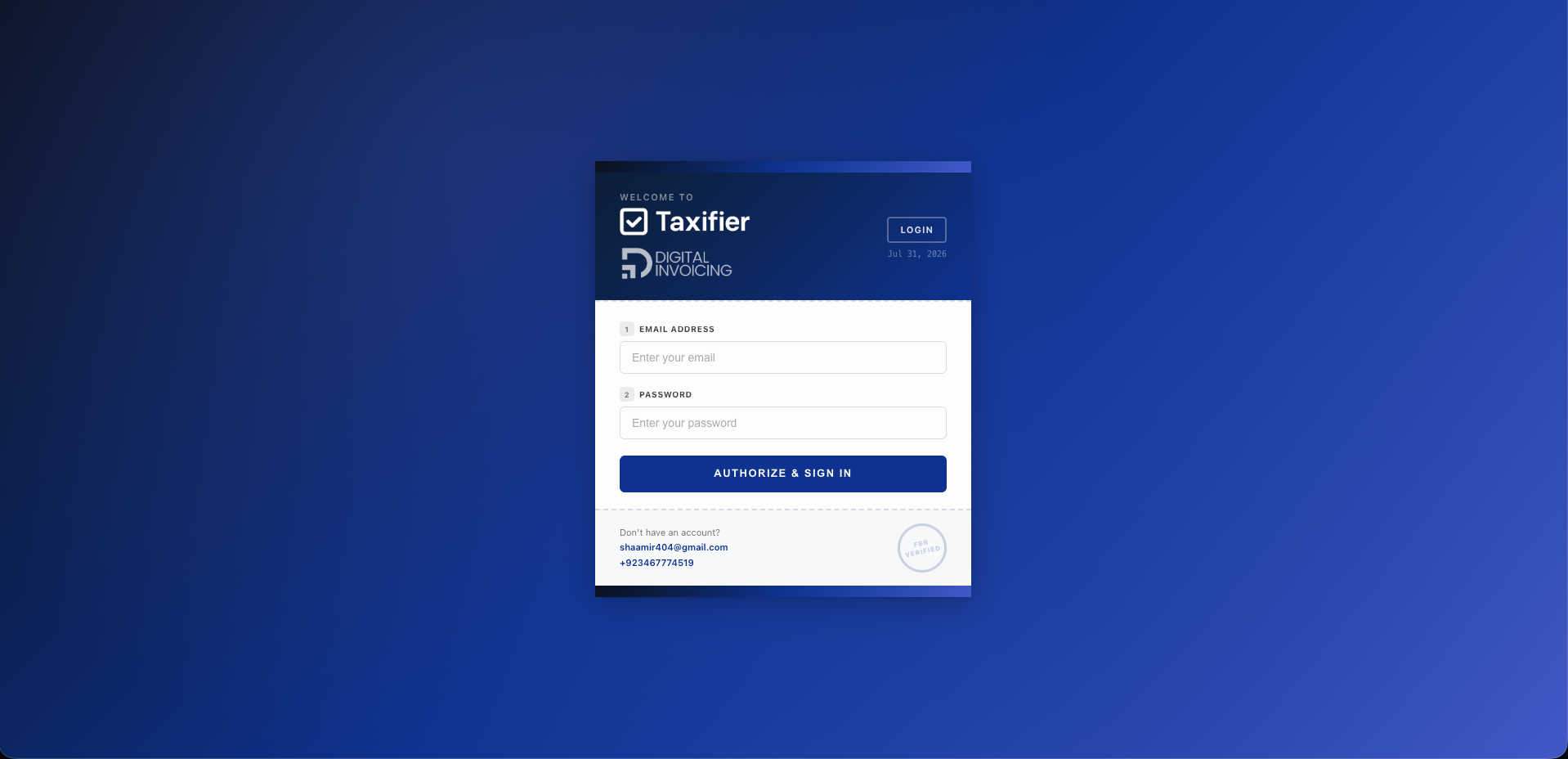
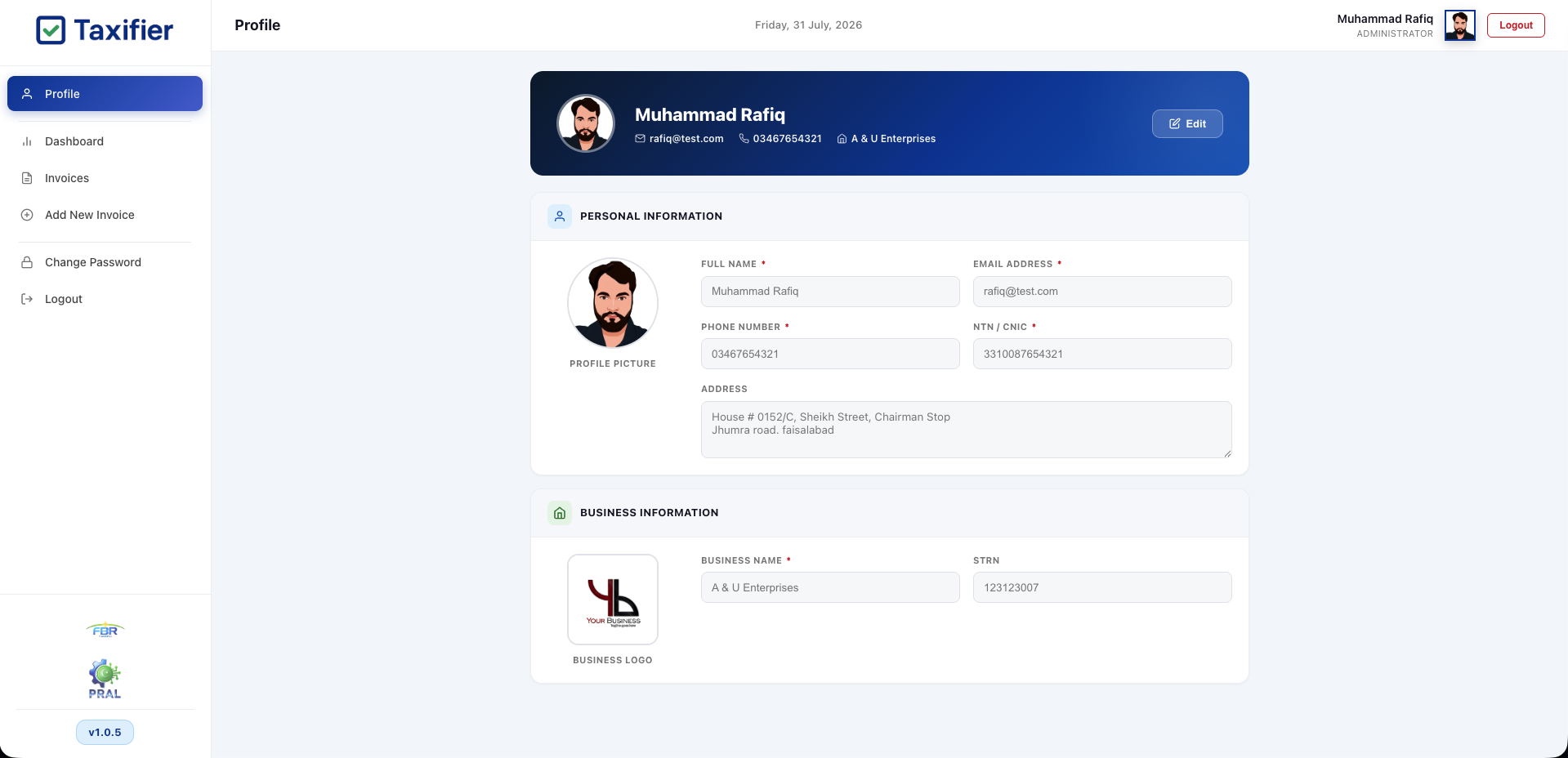
A complete invoicing workflow — from secure login to FBR-certified records.
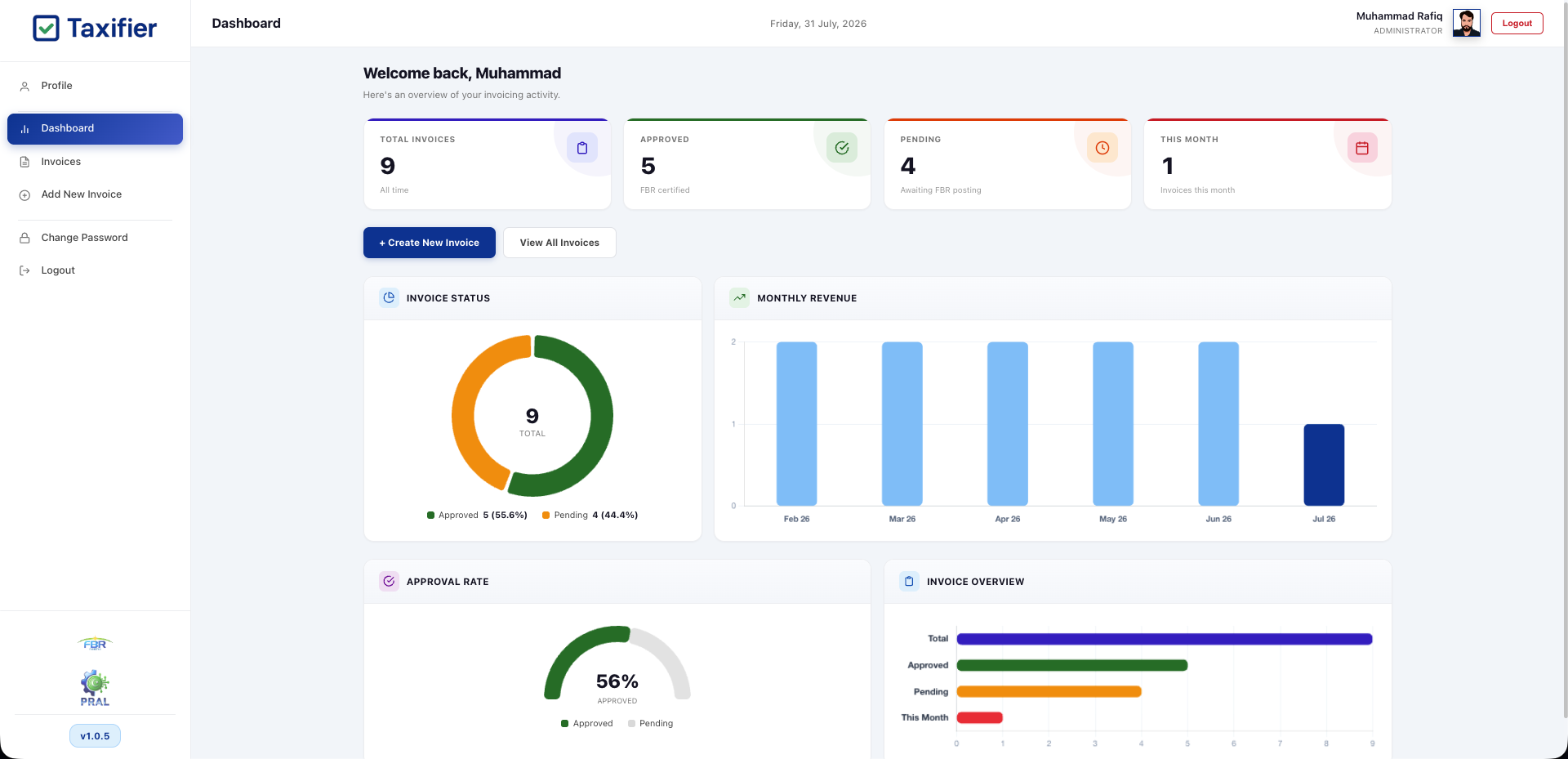
Everything at a glance
Total invoices, approvals, pending items, monthly revenue and approval rate — all in one live view, with real-time FBR status and one-click invoice creation.
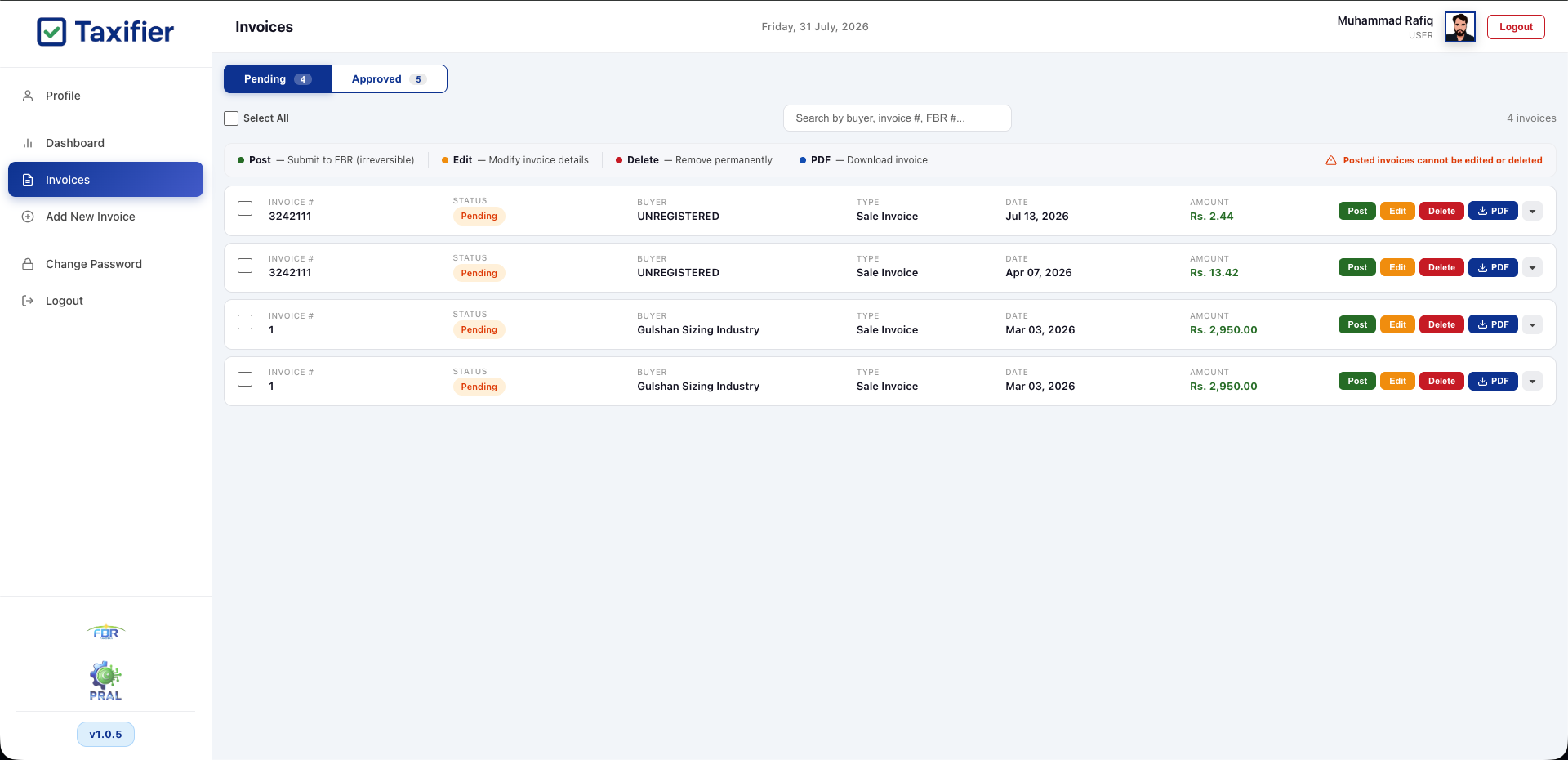
Pending Invoices
Draft invoices stay editable until you're ready. Review, search and take quick actions right from the list.
- Post to FBR, Edit, Delete or download PDF
- Search by buyer, invoice # or FBR #
- Nothing is sent to FBR until you post
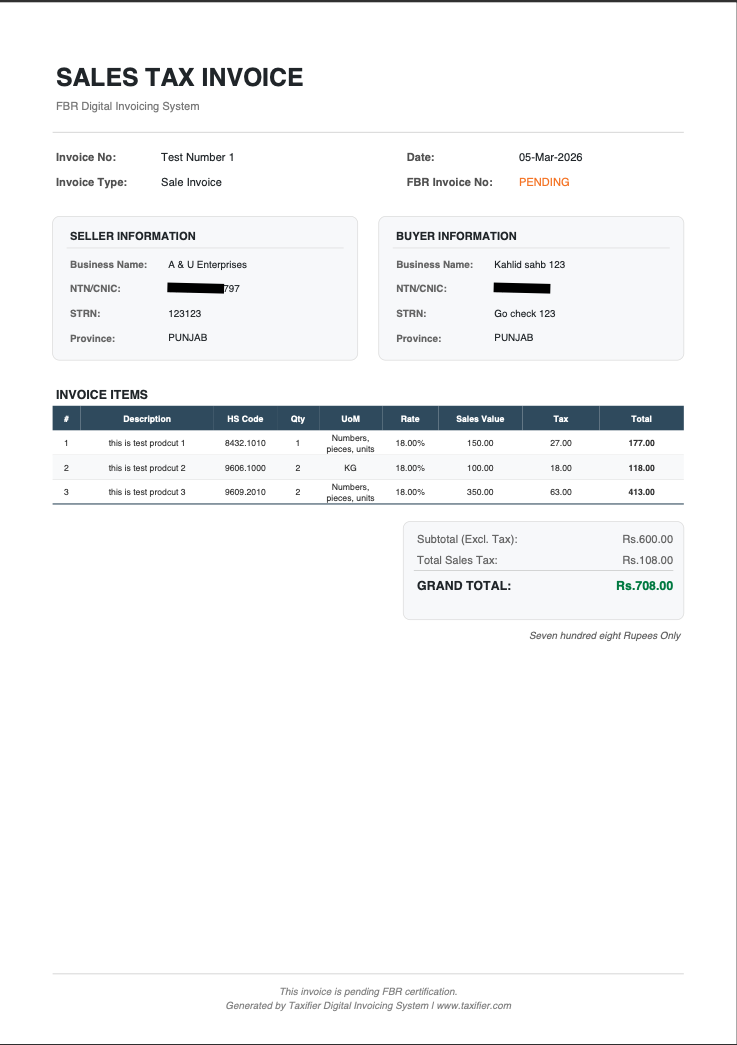
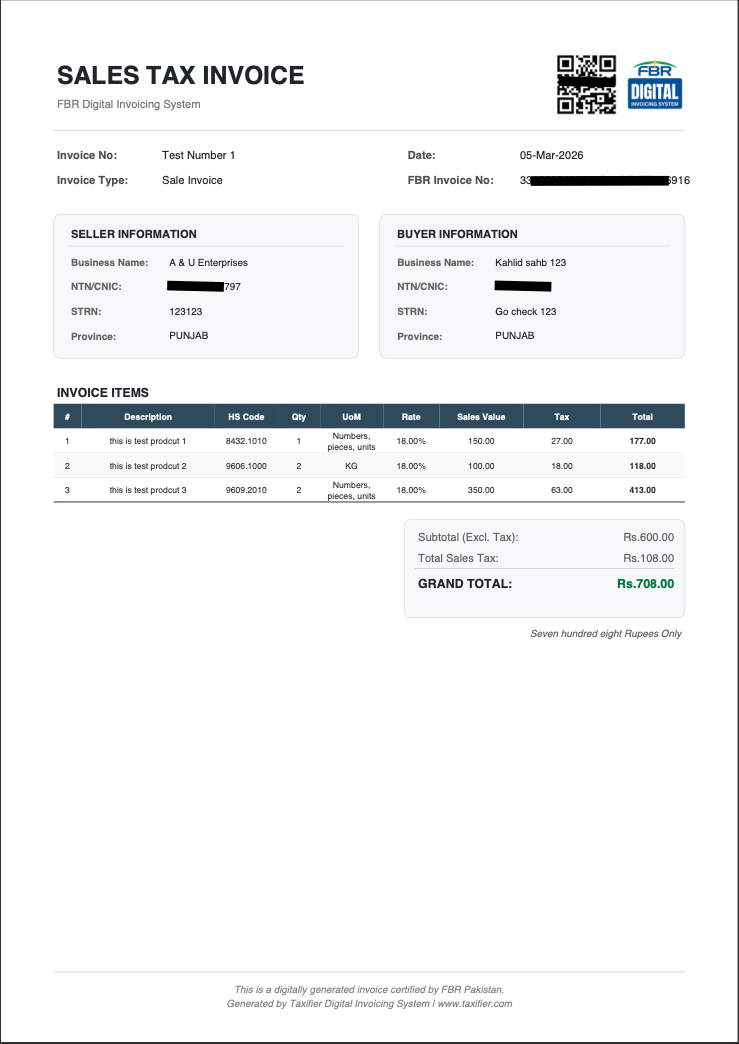
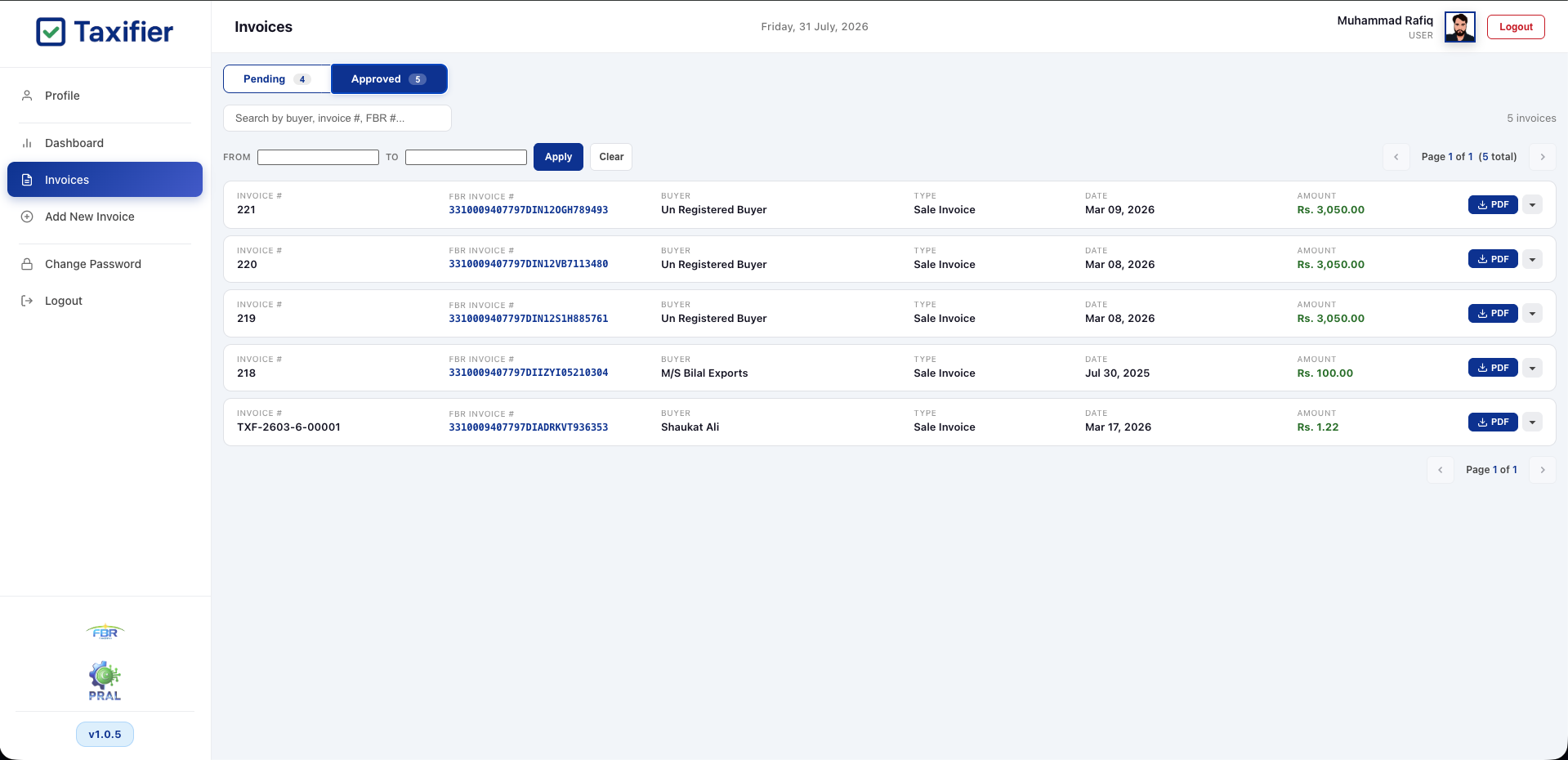
FBR-Certified Records
Once posted, each invoice is digitally certified by FBR with a unique invoice number — an official, permanent tax record.
- Unique FBR invoice number & QR code
- Filter approved invoices by date range
- Download the certified PDF anytime
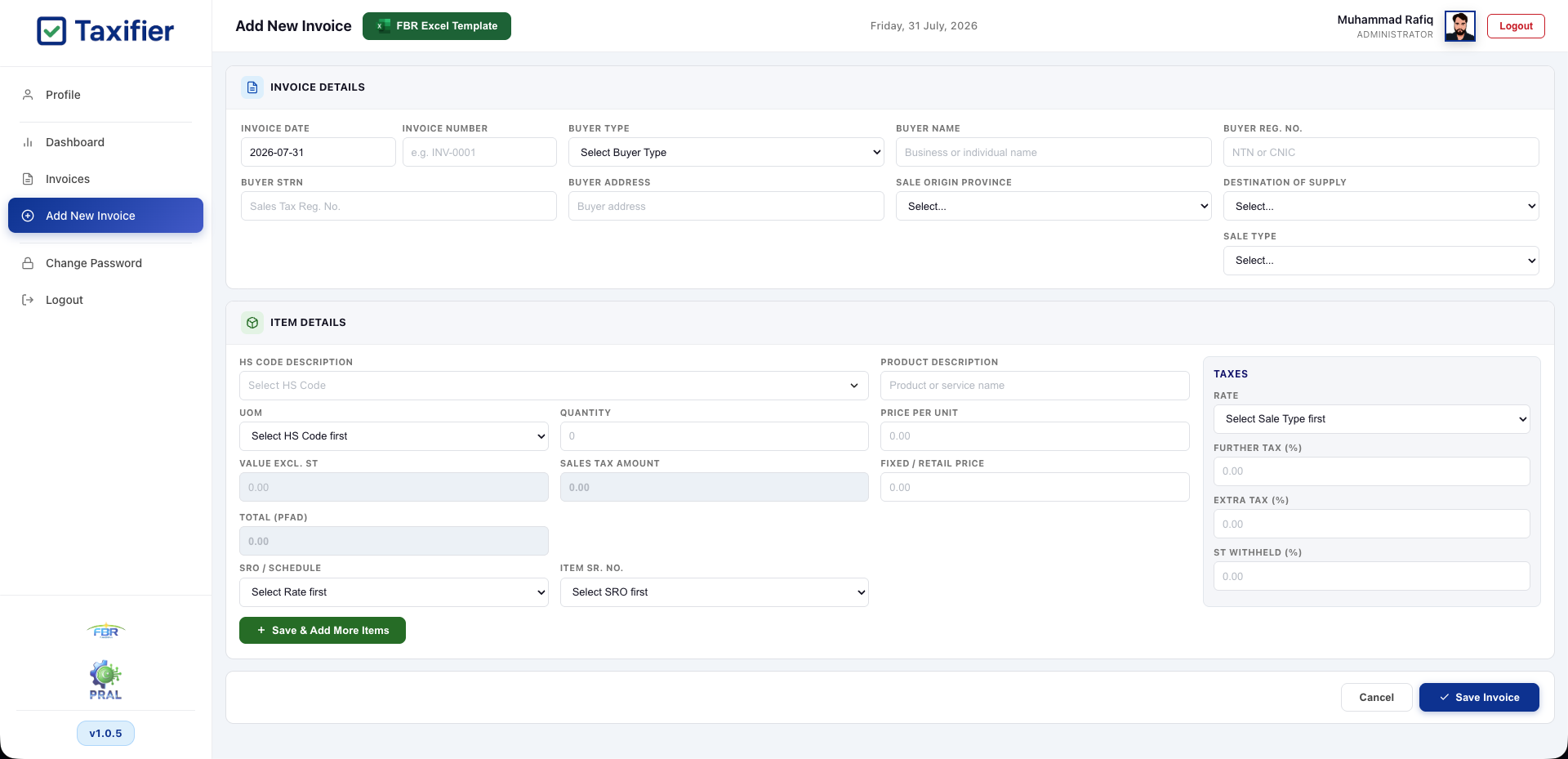
Create New Invoice
Add buyer details and line items with built-in HS code lookup and automatic tax calculation — or bulk-import using the FBR Excel template.
- HS code lookup with auto sales-tax rates
- Further, extra & withheld tax handled for you
- One-click FBR Excel bulk upload
Ready to Simplify Your Invoicing?
Join thousands of businesses using Taxifier for FBR compliance.
+92 346 7774519